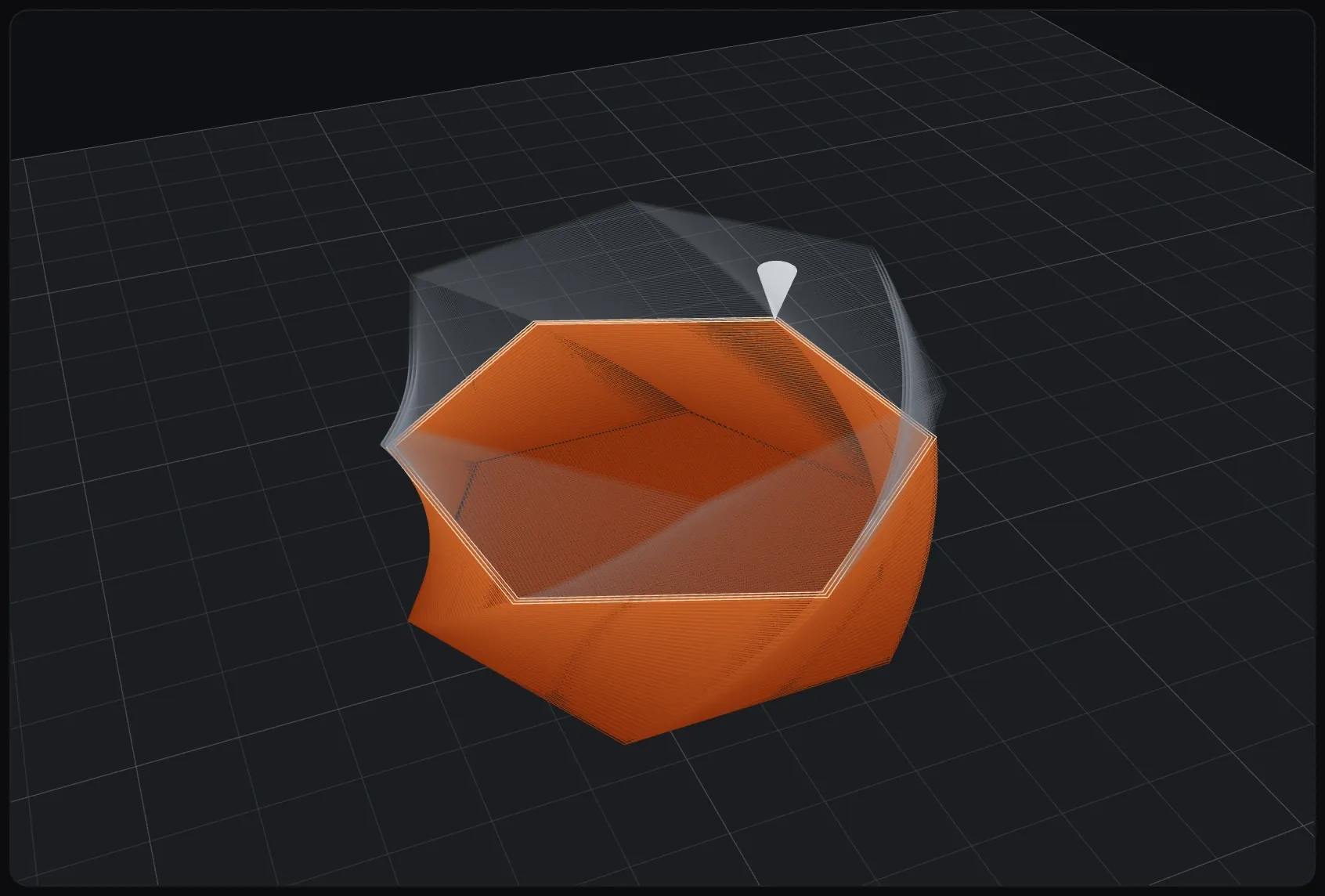
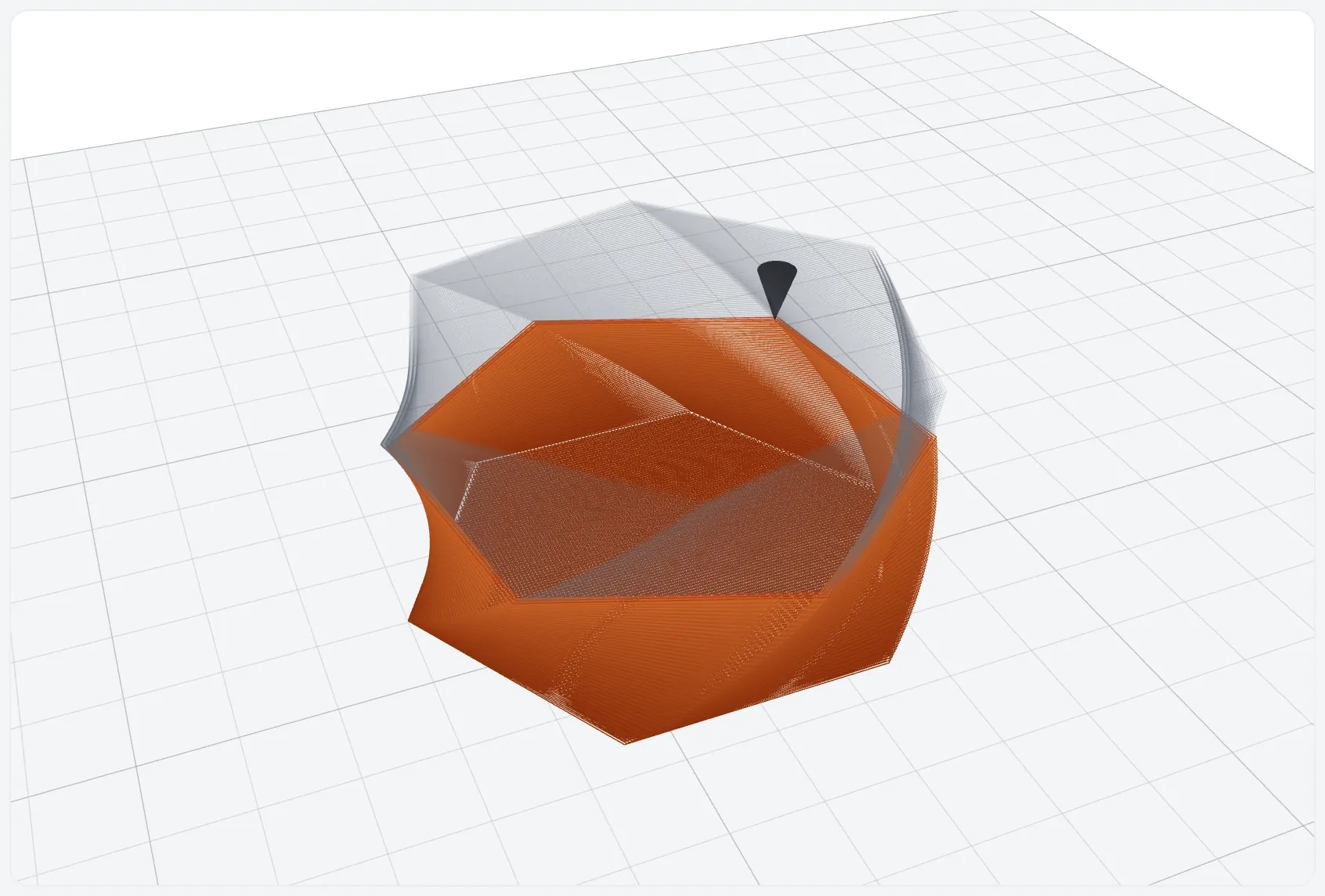
3D preview that follows the print
The part on the printer bed, drawn from the G-code, grows layer by layer. A 2D view of each layer is there too.
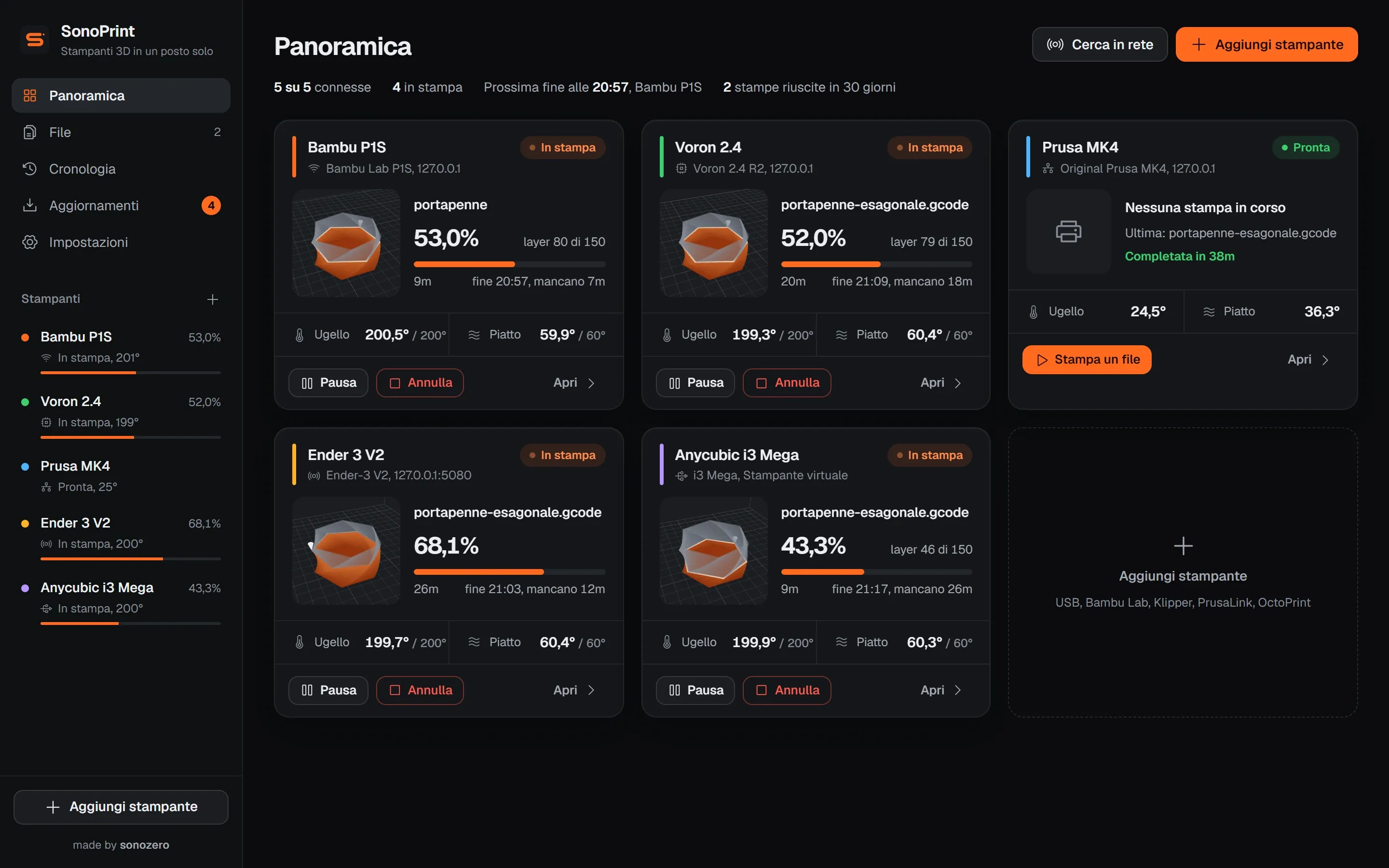
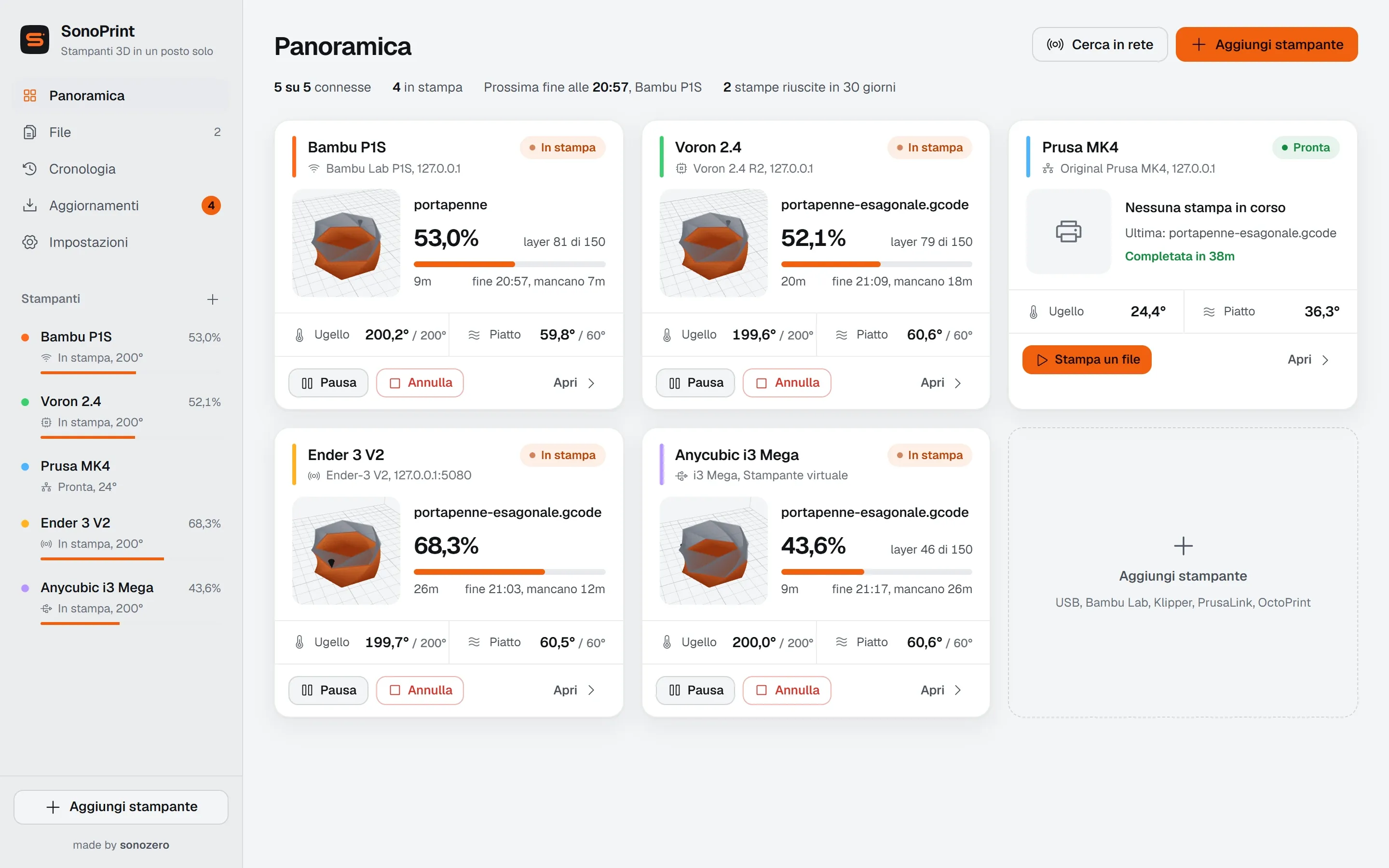
SonoPrint runs USB, Bambu Lab, Klipper, PrusaLink and OctoPrint printers from Windows. Free and open source.
The part on the printer bed, drawn from the G-code, grows layer by layer. A 2D view of each layer is there too.
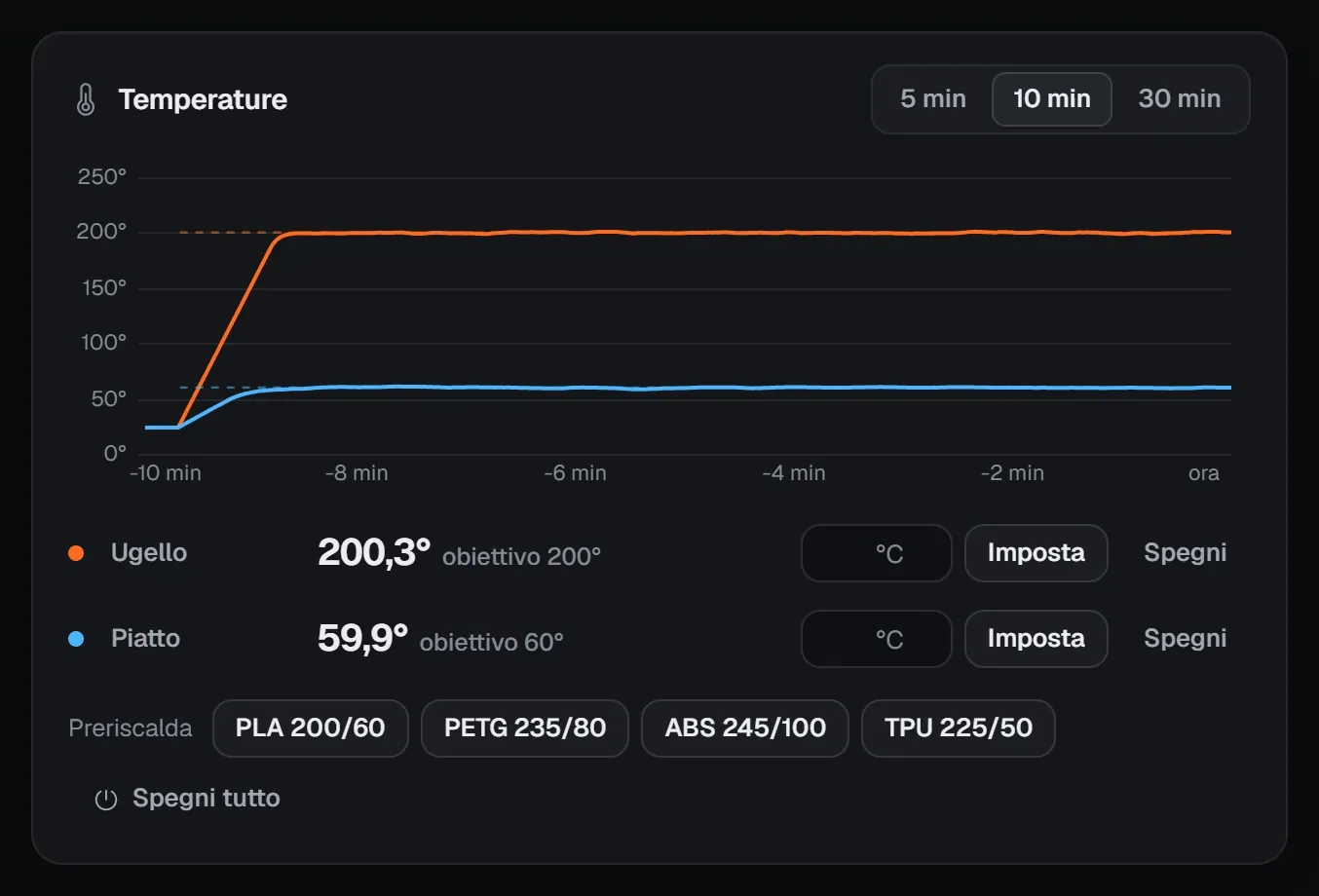
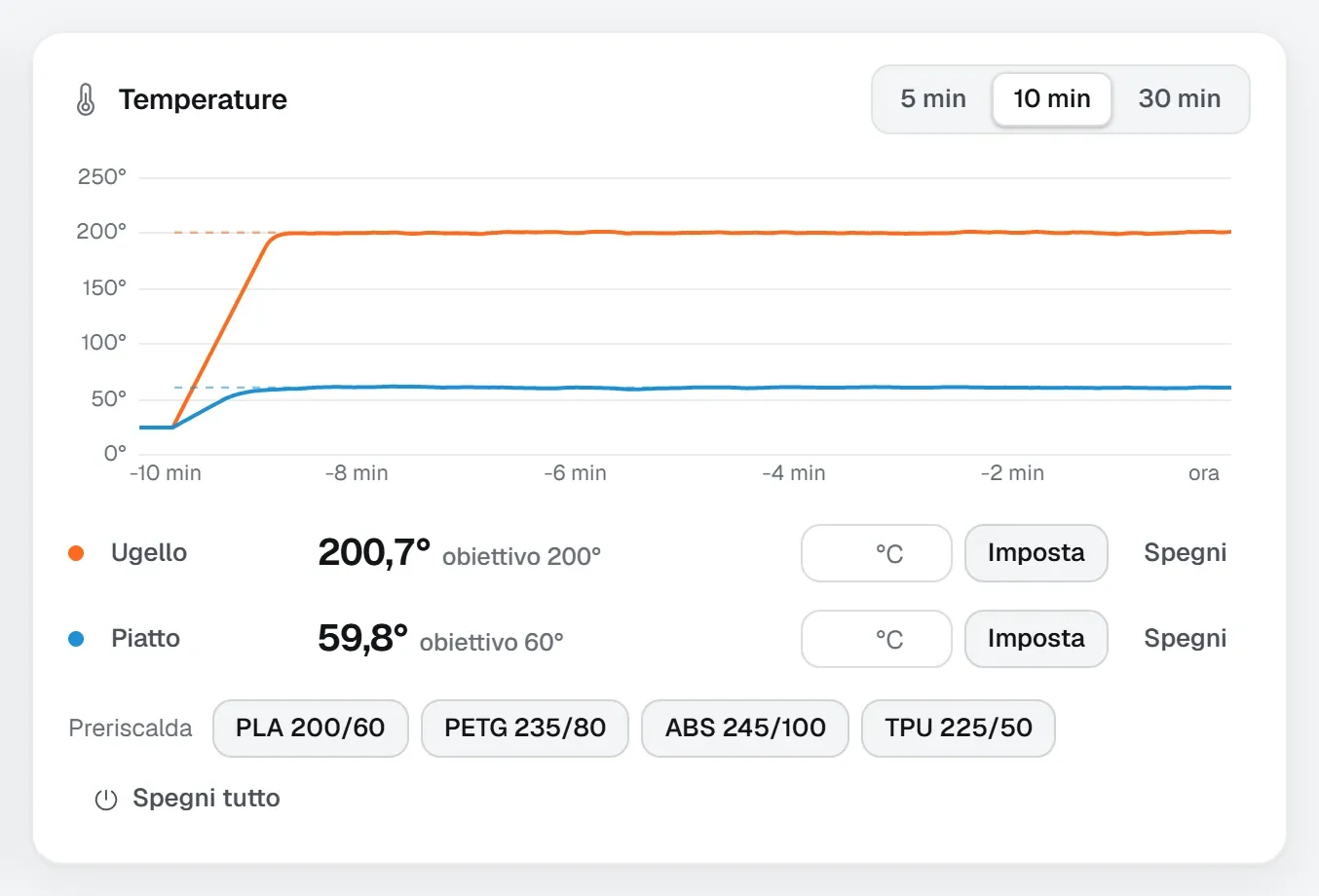
Nozzle, bed and chamber on one chart. One-click preheat for PLA, PETG, ABS and TPU, all editable.
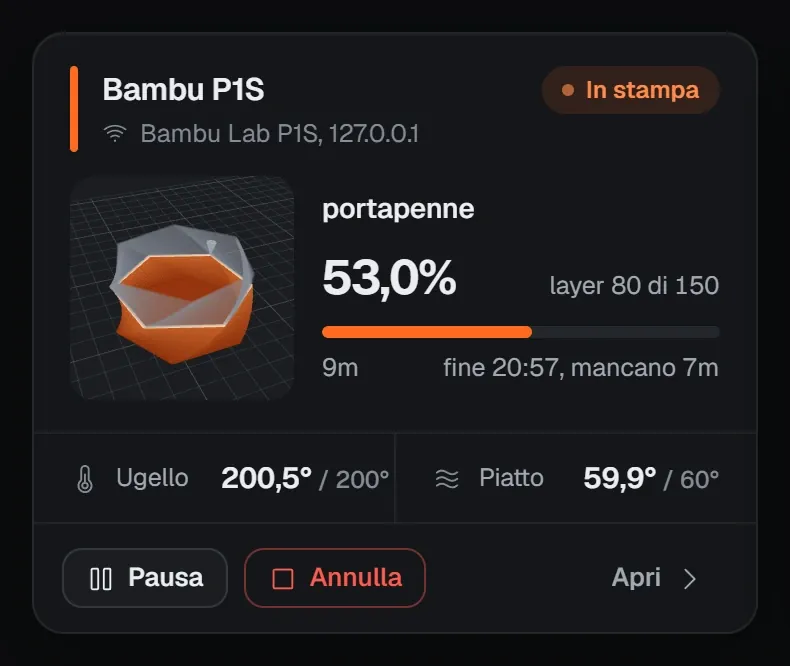
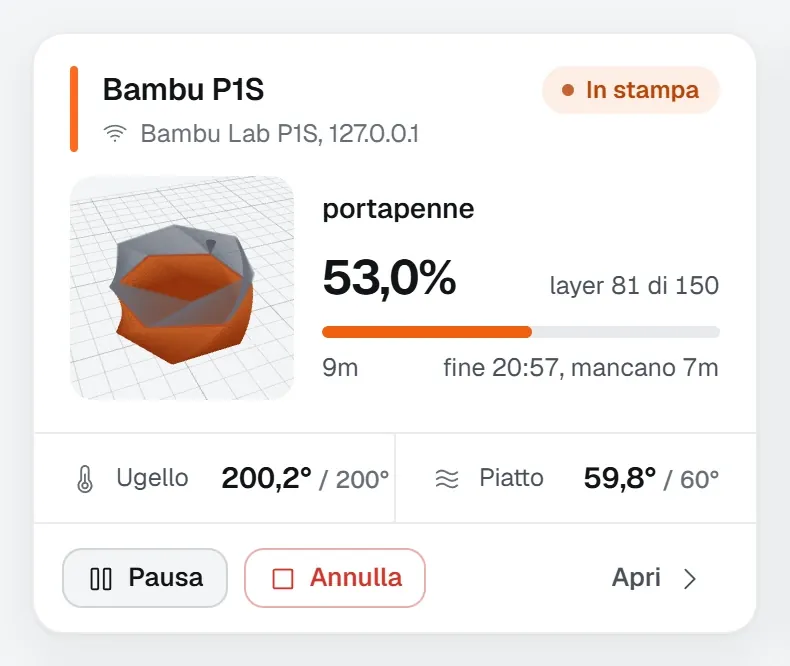
Each printer gets its own card with a 3D thumbnail, progress, current layer and estimated finish.
No account and no cloud: SonoPrint talks to your printers on your home network and works offline too.
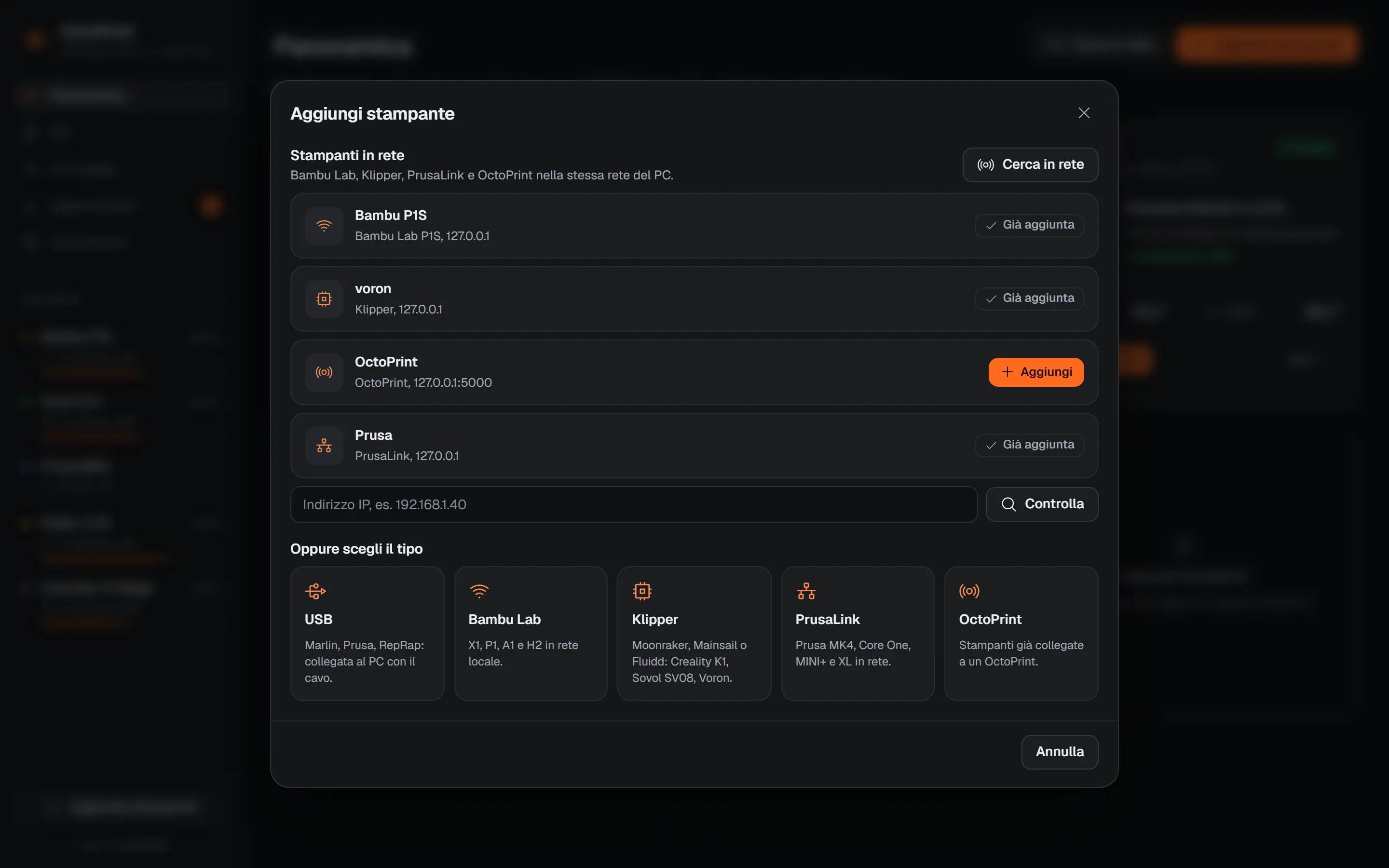
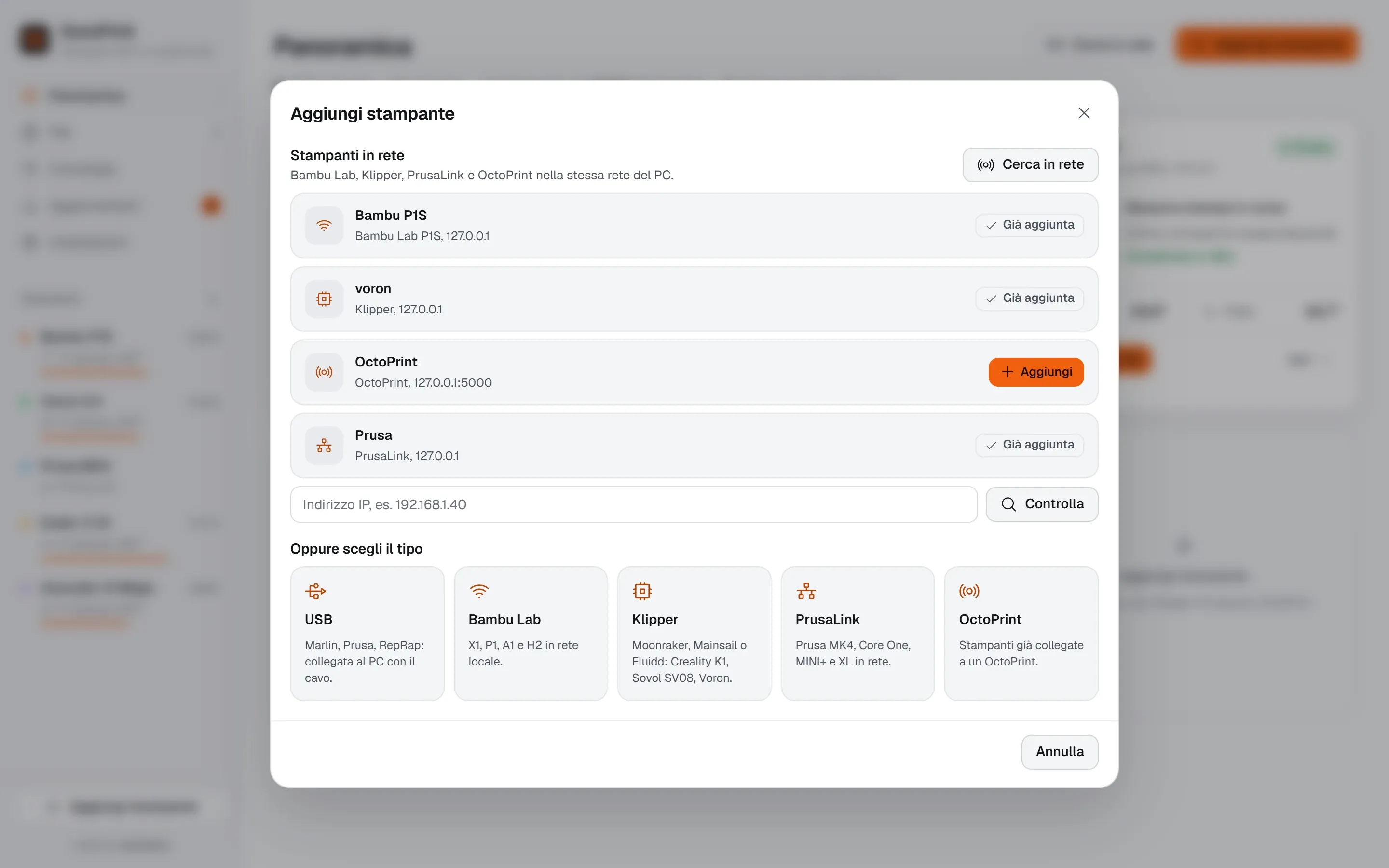
Press Aggiungi stampante (Add printer): the ones on your home network show up on their own. For a USB printer, pick the port and SonoPrint finds the baud rate.
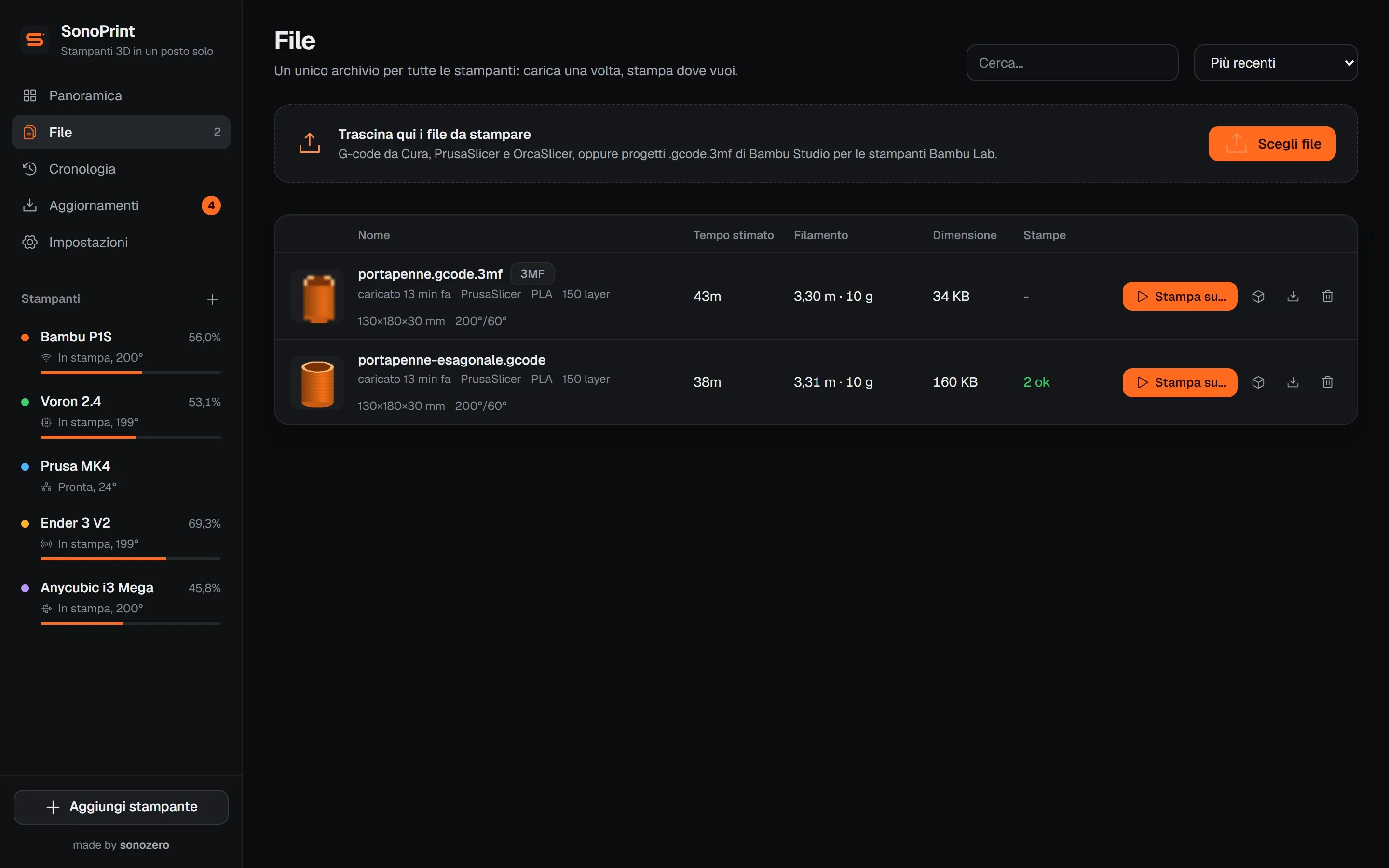
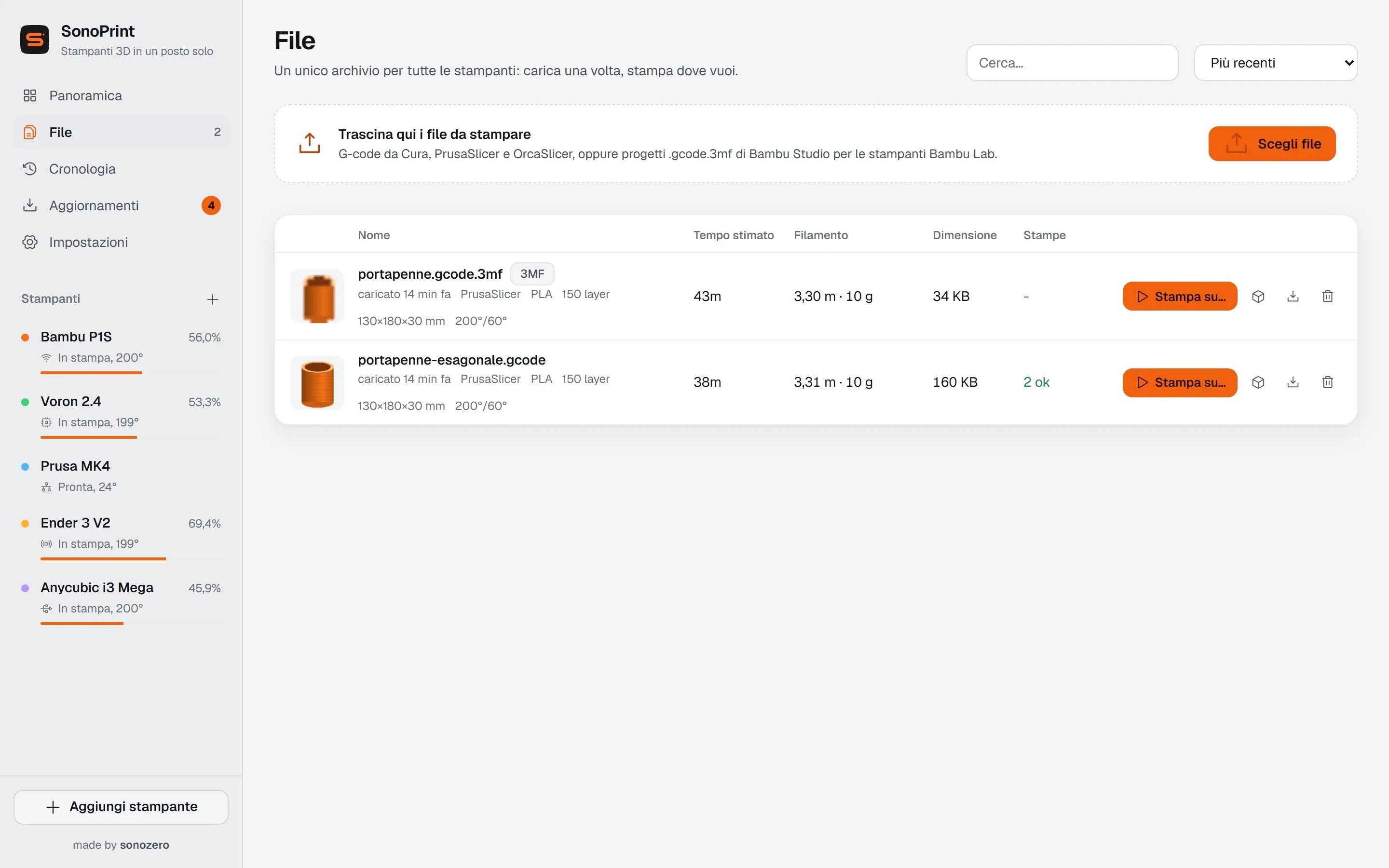
.gcode files and .gcode.3mf projects from Bambu Studio and OrcaSlicer, in one library shared by every printer. Just drag them in.
Press Stampa su... (Print on) and pick a printer. Live temperatures, progress and preview; a notification tells you when it is done.
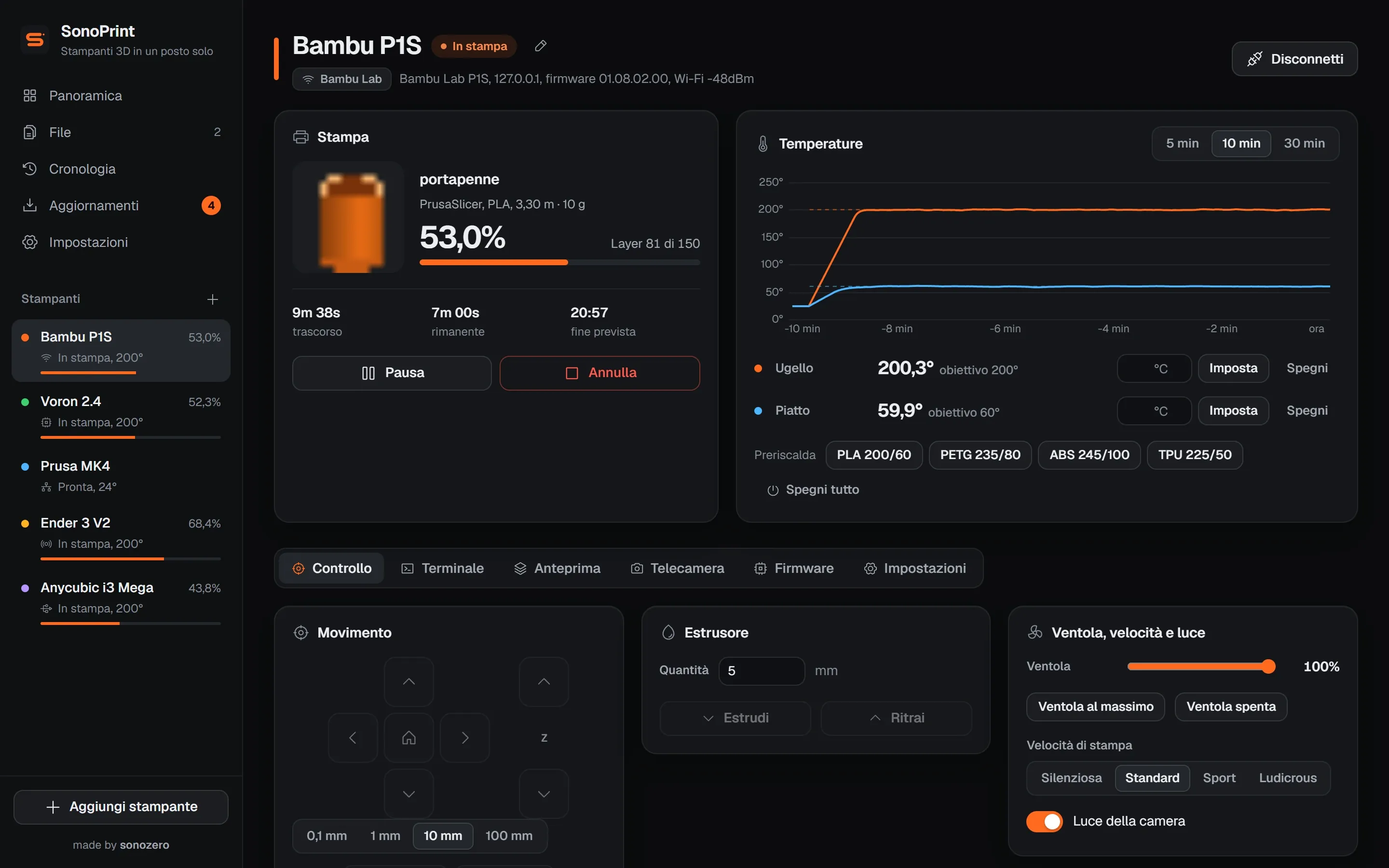
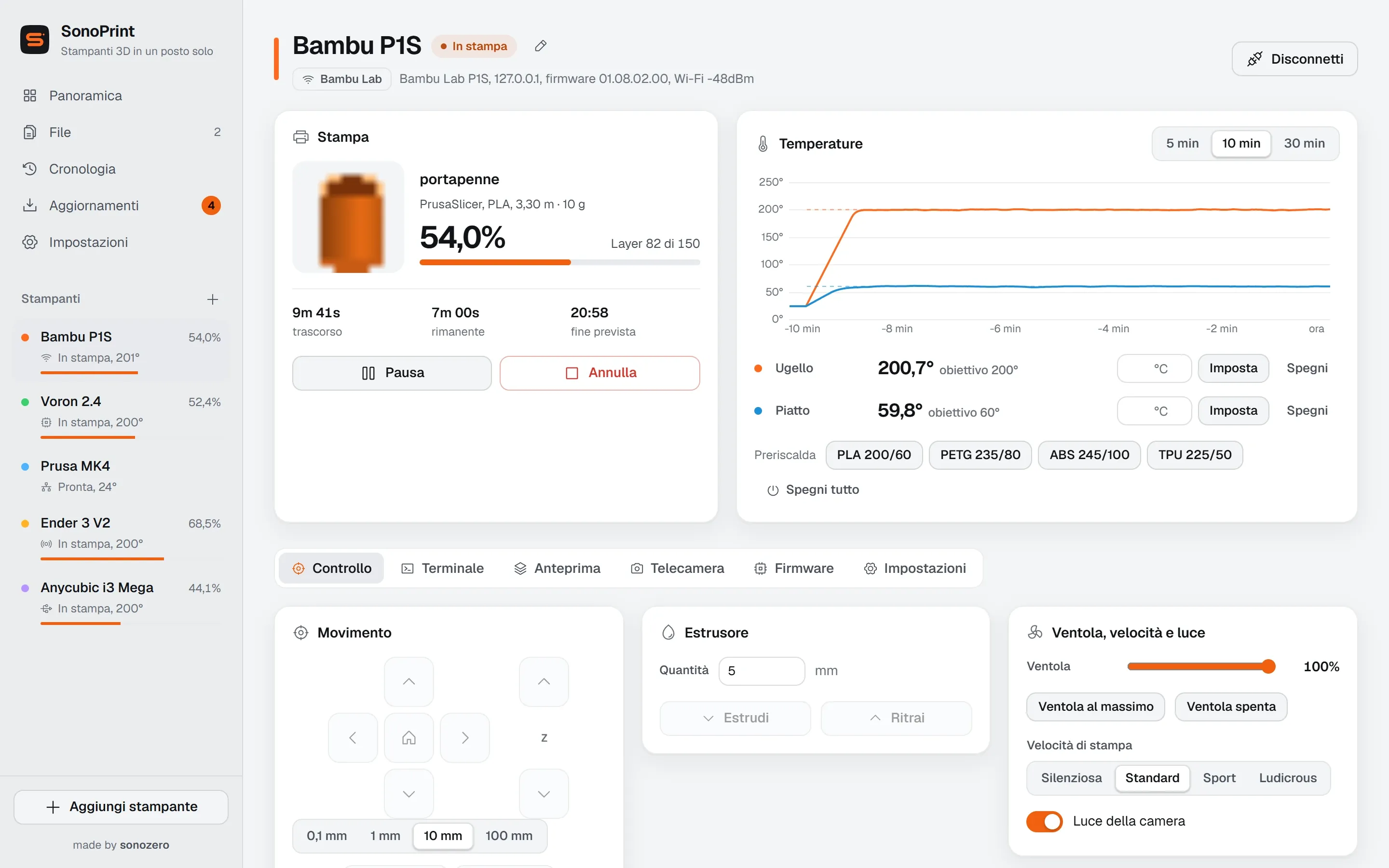
Over USB or on your network. Network printers keep printing even if you close SonoPrint.
Marlin, Prusa, RepRapFirmware and derivatives
A USB cable. SonoPrint lists the COM ports, flags the ones that look like printers (CH340, FTDI, STM32) and finds the baud rate on its own.
Good to know: The print is driven by the PC: if you close SonoPrint or the PC goes to sleep, it stops. That is why SonoPrint blocks sleep during USB prints.
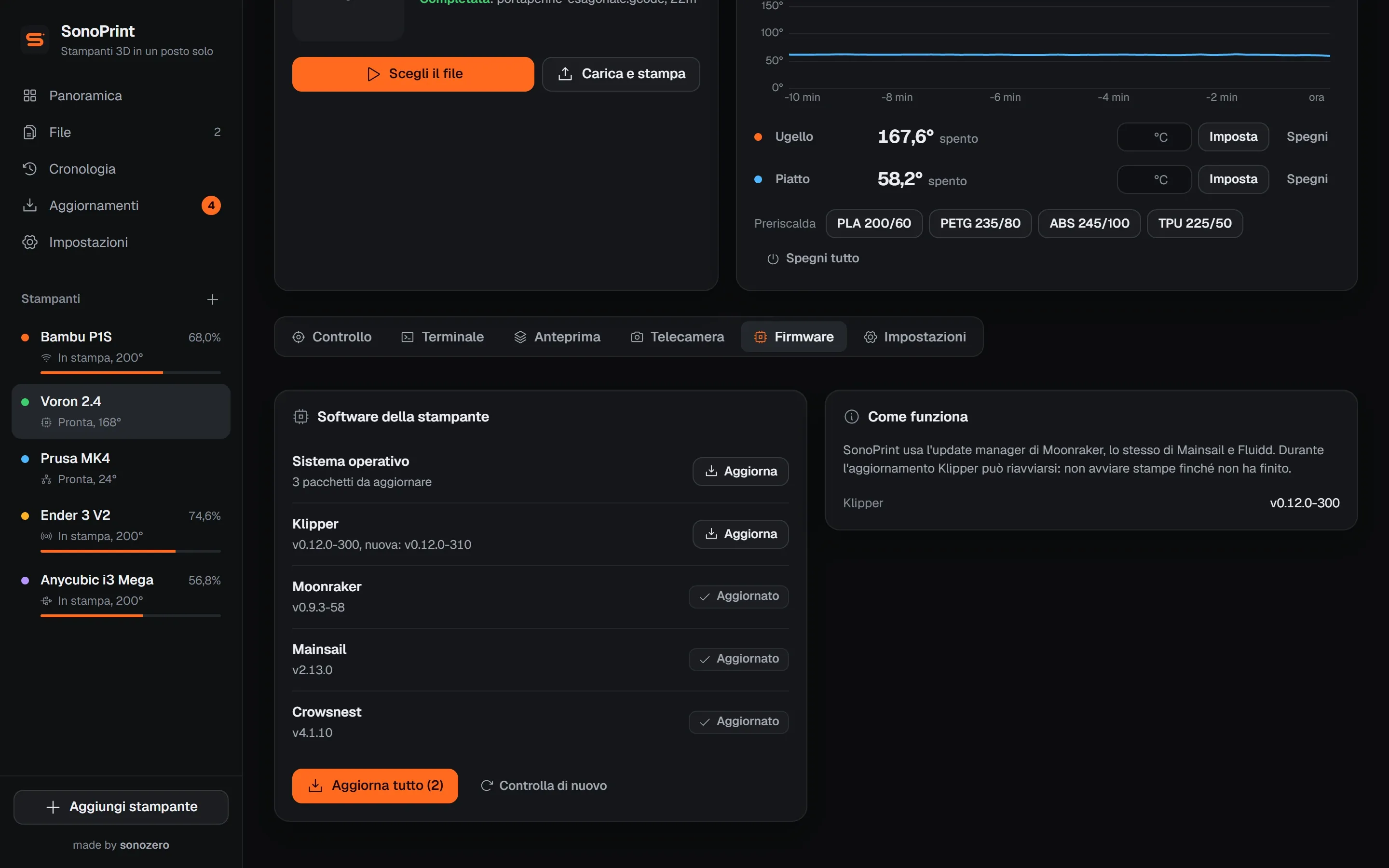
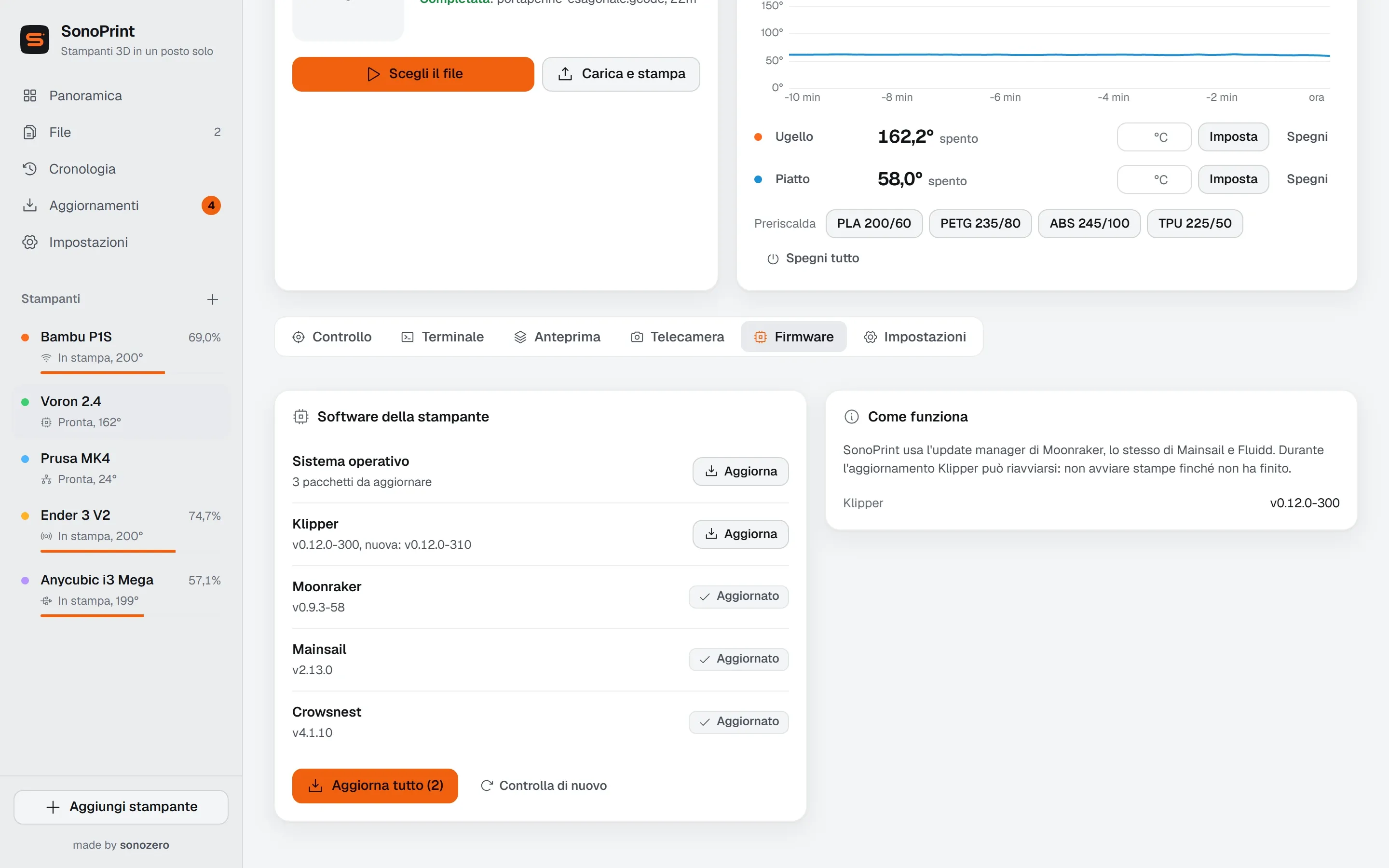
The Aggiornamenti (Updates) page gathers SonoPrint and every printer. Aggiorna tutto (Update all) goes one step at a time and skips printers that are printing.
USB, 8-bit boards
ATmega2560, 1284P, 328P with bootloader
Writes the .hex file over USB and reads every page back to verify it.
USB, 32-bit boards
Creality 4.2.x, BTT SKR, MKS
Copies the .bin to the SD card with the right file name. Put the card back in the printer and power it on.
Bambu Lab
Copies the official package to the microSD card, then you start it from the printer screen under Settings > Firmware.
Klipper
Moonraker's update manager: Klipper, Moonraker, Mainsail or Fluidd and the system, one at a time or all together.
OctoPrint
Updates OctoPrint and its plugins, with an administrator key.
PrusaLink
Shows the installed version and the latest one from Prusa. The update itself is done with a USB stick.
Before flashing firmware over USB
Save your settings with M503 in the terminal and check that the file is built for your board. SonoPrint never touches the bootloader, so if something goes wrong you can try again.
Download it from GitHub Releases. Requires 64-bit Windows 10 or 11. The app interface is in Italian.

Latest version
SonoPrint 0.3.0
Released on September 24, 2026
Download the installer
SonoPrint-Setup-0.3.0.exe from GitHub Releases, about 109 MB.
Run it
Pick a folder and install. If “Windows protected your PC” appears, click More info, then Run anyway: the app is not code-signed.
Add a printer
Open SonoPrint and press Aggiungi stampante (Add printer). Printers on your network are listed at the top.
From then on it updates itself: it checks at startup and every 6 hours, downloads in the background and offers Riavvia e aggiorna (Restart and update). A USB print in progress is never interrupted.